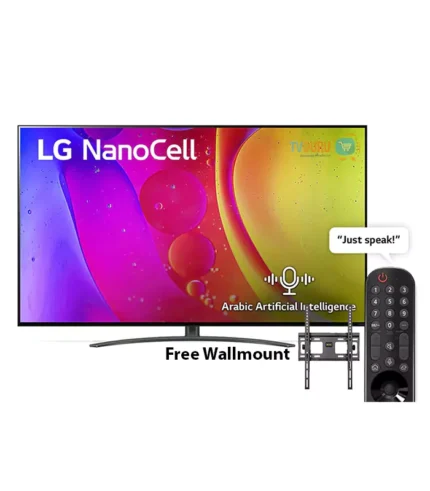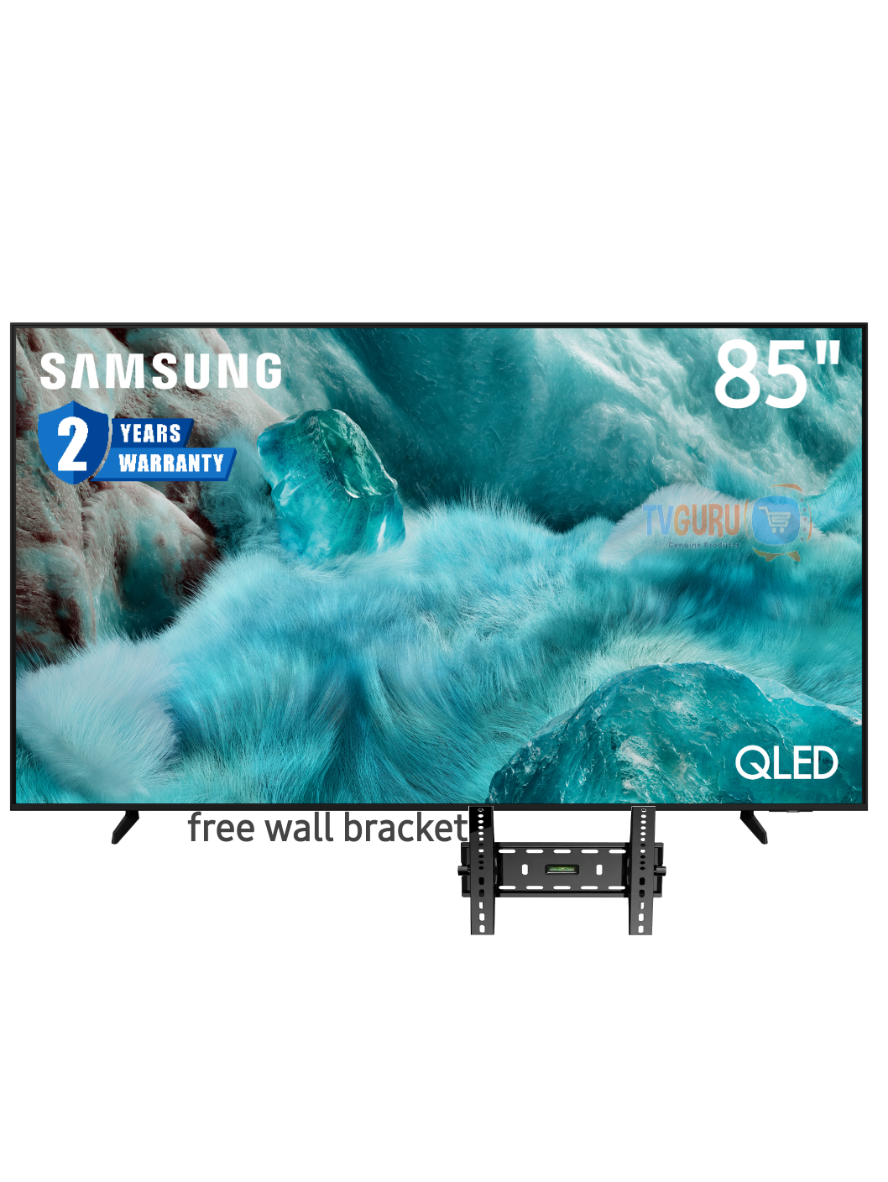

Samsung 85″ QLED Q7F 4K Vision AI Smart TV (NEW 2025) 85Q7F
KSh222,990
- We accept payment after delivery all over Kenya for this item!!!
- Fast delivery (instant dispatch)
- Same-day delivery within Nairobi Metropolitan (doorstep delivery)
- Next-day delivery to other parts of Kenya
- Display: 85-inch QLED panel with 4K Ultra HD resolution (3840 x 2160) and a 60Hz refresh rate.
- Picture Quality: Features 100% Color Volume with Quantum Dot technology, Quantum HDR, HDR10+ support, and 4K AI Upscaling. It uses an edge-lit LED backlight system.
- Smart Features: Runs on the Tizen OS, offering access to apps like Netflix, YouTube, and Amazon Prime Video. It includes voice assistants (Bixby, Alexa, Google Assistant support) and Samsung TV Plus for free channels.
- Audio: Equipped with 2-channel 20W built-in speakers and supports Q-Symphony technology for synchronized audio with compatible Samsung soundbars.
- Connectivity: Includes 3 HDMI ports (eARC support on one, 4K 60Hz max input rate) and 1 USB-A port. Supports Wi-Fi and Bluetooth 5.3.
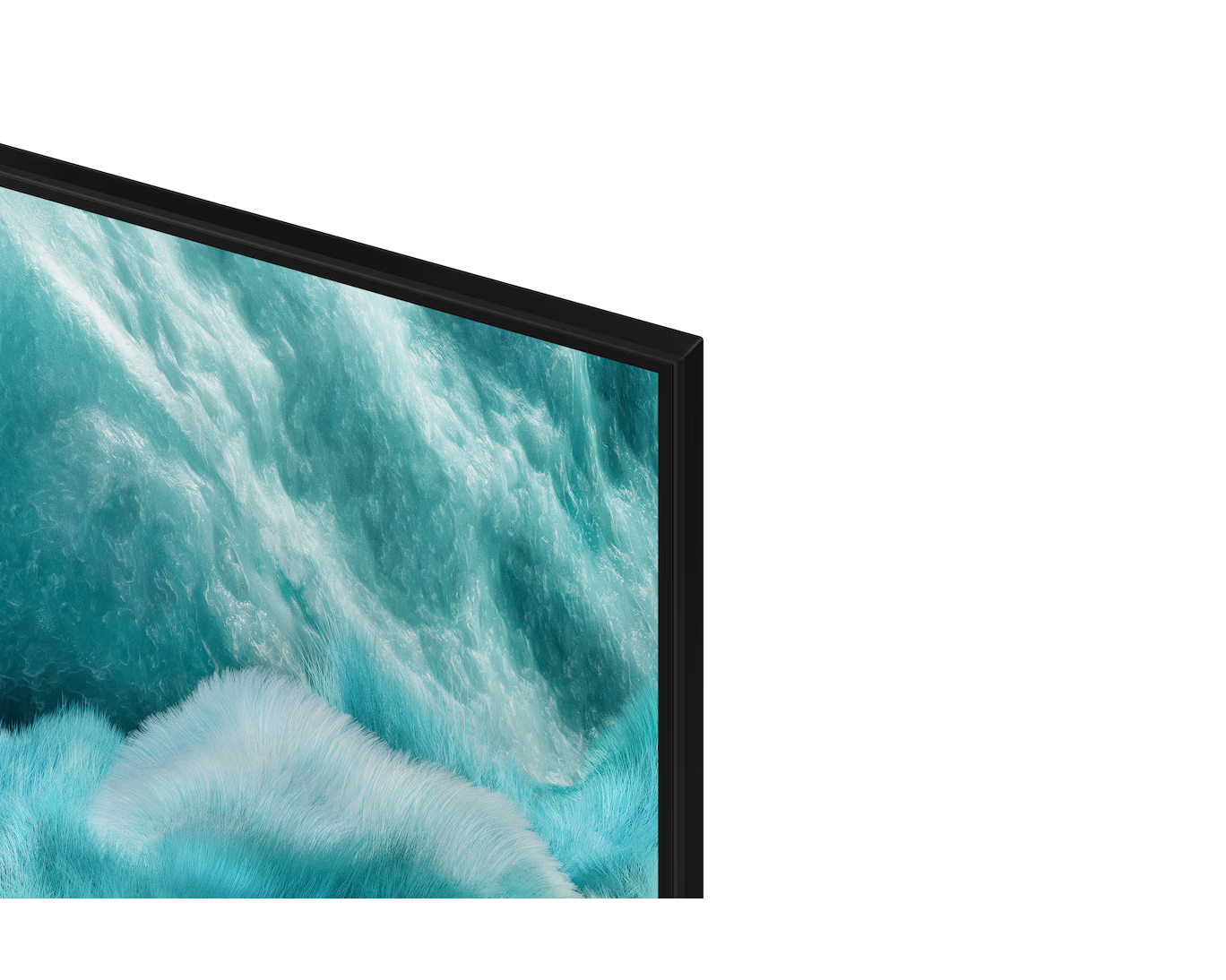
- Design & Mount: Features a slim, bezel-less design and is compatible with VESA 400x300mm wall mounts.
- Gaming: Offers a dedicated Gaming Hub and features like Motion Xcelerator and Auto Low Latency Mode, but does not support 120Hz refresh rates or advanced features like AMD FreeSync Premium.
- Model Year: The “85Q7F” designation has been used across different years. The 2025 model is a 60Hz entry-level QLED, while some older models might have different specifications.
- Picture Performance: While the QLED technology provides great color, the edge-lit backlighting and lack of local dimming mean black levels and contrast are not as deep as higher-end models (like the Q8F or OLED TVs).
- Best Use Case: It’s well-suited for casual viewing, streaming, and moderate gaming, especially in rooms with some ambient light, but might not be the best choice for a dedicated, dark home cinema or high-performance gaming setup.
| Brand | Samsung |
|---|
Overview

Q4 AI Processor
Feel the power of AI in 4K

100% Color Volume with Quantum Dot
A billion shades of color

One UI Tizen
Personalize your screen experience

Samsung Knox Security
Your privacy. Secured.

[TUV] Real quantum dot display
Certified as a true quantum dot display with a quantum dot sheet and blue LED used in accordance with IEC standards.

[SGS] Cadmium-free
The quantum dot sheet used in QLED TVs has been certified as RoHS (Restriction of Hazardous Substances) compliant and has been certified as cadmium-free by global certification institute SGS. *This logo is a variation of the original SGS logo for marketing purposes.
Features
Free TV entertainment apps and special offers
Enjoy access to apps and offers when you purchase a certain TV.


Enjoy endless entertainment with Samsung Vision AI


The words Samsung Vision AI are accompanied by the Samsung AI logo. Nearby, a TV turns on to display a blue landscape.
Main features


The ally that will enrich your life


A smarter voice assistant
Bixby
With the updated Bixby, your Samsung AI TV will be the perfect AI home hub. Bixby can process multiple commands at once and understand a wider context. Enjoy smoother conversations, easier search, more intuitive responses, and seamless device control.
* Voice commands and Multi Turn commands are supported in 10 languages (US/UK/IN(en)/DE/FR/IT/ES/BR/MX/KR). * Not all accents, dialects, and expressions are recognized. Far-field microphones are supported on Q8F and above. TV remotes are supported on Q7F and above. SmartThings mobile remote required for U8000F.


Experience AI with 4K
AI processor
Samsung’s AI processor helps optimize the viewing and sound experience of any 4K TV.


The Samsung Q4 AI Processor chip descends on the TV’s main board and lights up with waves of power surging from the chip to the rest of the TV.
Image quality


Billions of shades of color
100% color volume with Quantum Dot
Quantum Dot technology delivers our best picture yet. With 100% color volume, Quantum Dot transforms light into breathtaking colors that are lifelike at any brightness level.


A scene of a woman in a pool spitting out water. Logo reads VDE 01/2025 Tested Color Volume 100% acc. to DCI-P3. www.VDEinfo.com. ID 40059611. Tested by VDE Germany. Another logo is made of stacked color wheels that represent Brightness. The color wheels grow in size to represent 100% Color Volume. As it does, the scene of the woman in the pool grows brighter and more vivid.
More about
image quality


Intelligently enhanced color expression
Color Booster Pro
AI recognizes each scene and enhances color expression accordingly to make the viewing experience more vivid and dynamic.


Video game experience


Improved image clarity with smooth movements
Motion Xcelerator
Enjoy a clear picture as the TV assesses motion between frames and then uses this information to improve the smoothness of motion in subsequent frames.


Sound


A TV and Soundbar that work in harmony
Q-Symphony
Enjoy perfectly matched audio. Samsung technology synchronizes audio playback from your TV and Soundbar simultaneously without muting either device’s speakers.
* For Q-Symphony compatibility, see the Soundbar specifications.* Soundbar sold separately. * Speaker location and number may vary by model.


Personalized screen experience
One UI Tizen
One UI Tizen delivers a personalized on-screen experience. Samsung Tizen OS delivers all the latest innovative Samsung features. Your experience across all your SmartThings devices is also protected by Samsung Knox. Plus, One UI Tizen supports Tizen OS updates for the next 7 years.


One UI Tizen


Enjoy
new TV features
for 7 years free of charge


Your data. Safe.
Samsung Knox Security
Your data is safe on Samsung TVs. Sensitive data like passwords are protected, connected IoT devices are monitored, and malicious apps and websites are automatically blocked. In addition, Samsung’s security team keeps your TV safe by constantly providing updates.
* Samsung Knox Security works on Samsung TVs with Tizen® operating system, available for sale starting in 2015. * Latest TV software update required.


More about
One UI Tizen


View world-famous galleries right on your TV
Art Store
Browse artworks from the world’s leading museums and artists. Discover new artworks with a collection that is on-trend and will complement all seasons, holidays and moods.
*A subscription is required to enjoy the full range of artwork.


SmartThings


Connect and control your smart home devices using your TV.
SmartThings
With a built-in smart hub, your TV can help you connect and control smart devices, even those that require Matter and HCA compatibility. You can also get notifications about your devices right on the screen, including a 3D map view that shows your entire smart home system.


TV in living room shows SmartThings screen. SmartThings and Matter logos. Icons appear over the connected devices. Zoom in on TV shows SmartThings in different rooms. Focus on light’s status. It goes from Off to On. Blind goes from Off to Opened. Zoom out to show TV displaying smart home info.
More about
SmartThings


Control your watch with gestures
Universal Gestures
Easily control your TV with your smartwatch. Put your Galaxy Watch on your wrist and use hand gestures, like pinching your fingers together to select an option or moving your palm back and forth to pause and play content.
* Available apps and services may vary by region and are subject to change without notice. * Only supported on Galaxy Watch4 and later models with Wear OS 5 and later.


Design


Stylish design that will fit anywhere
Slim Look
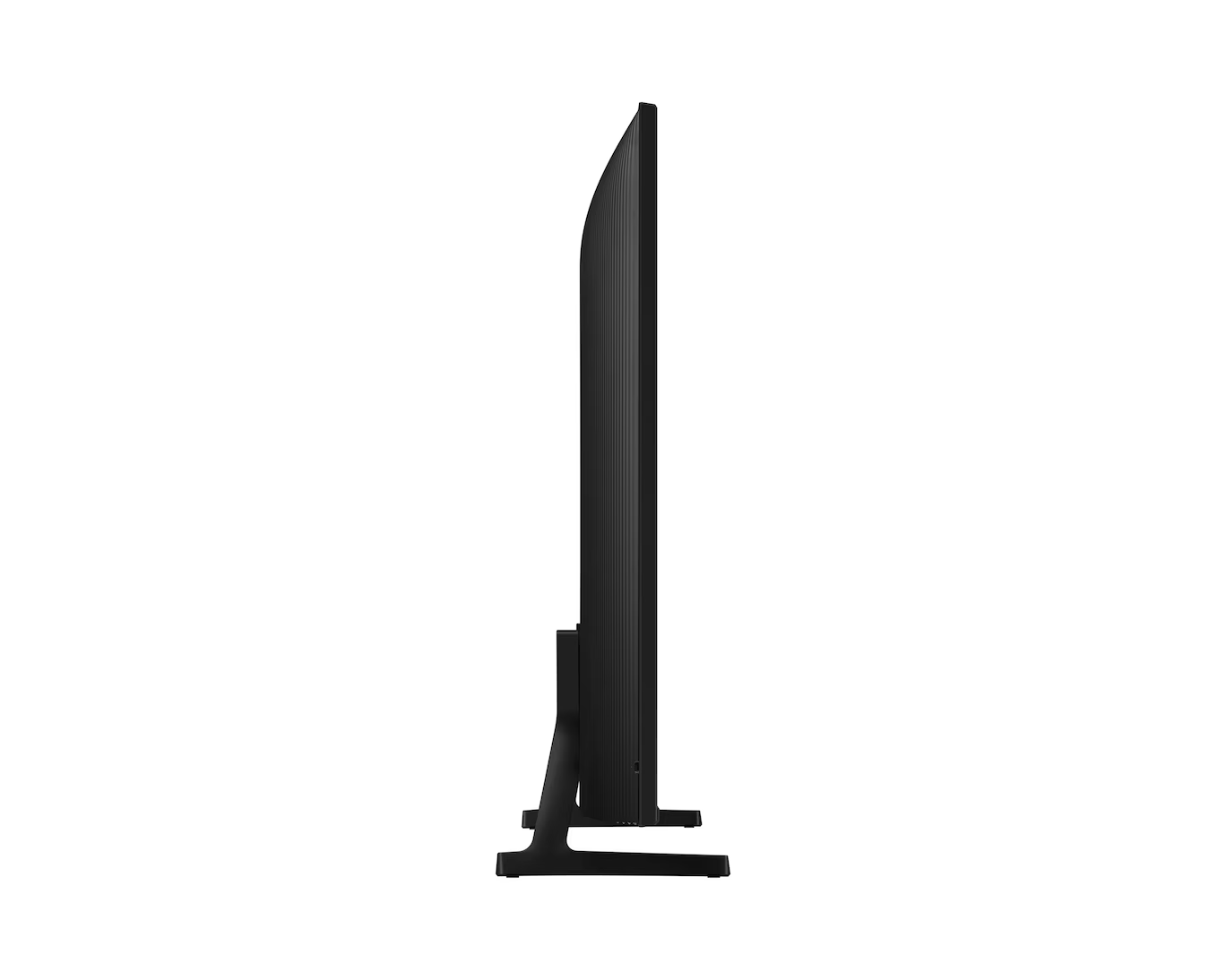
Thanks to its slim design, the TV will organically fit into the interior.


Profile view of QLED TV is on display to show its ultra slim design.
More TV control options
Adjustable stand
Get the optimal viewing experience by adjusting the TV’s position in the room as needed with the adjustable stand. It also provides a great option for placing a speaker under the TV.
* Stand adjustment is not available for center-type stands.* *Width adjustment function is only available for Q7F 55-inch and larger models.


A QLED TV is placed on an Adjustable Stand.
Sustainability


Battery charging with light
SolarCell Remote remote control
Our SolarCell Remote, with a solar panel on the back, is charged by light and requires no disposable batteries. Plus, this remote is innovative in several ways with smart features like a built-in microphone and voice assistant.
* To charge the remote control with solar energy, place it face down with the solar battery facing up. Place it in your living room when the lights are on, or near a window where it will collect natural sunlight. * If the remote control battery is low, you can charge it using the USB-C cable. You can check the remote control battery level using the TV menu (Settings > General & Privacy > Power & Energy Saving > Available Remote Battery).